🚨 Heads up! This course is no longer supported. Check out our Figma Essentials course - it's our go-to UX design tool.

User Experience Design Essentials - Adobe XD UI UX Design
This hands-on User Experience Design Essentials - Adobe XD UI UX Design course is perfect for beginners and anyone wanting to level up their skills. We've designed the course content so that anyone can start from scratch, and students with experience can expand their skills and create awesome projects for their portfolio.
You'll learn step-by-step, building confidence and professional design skills while working on real projects along with Daniel Walter Scott, and earn your certificate of achievement.
What’s in the course?
Hint: Get a feel for the course by watching the free lessons!
Why our students love learning with BYOL
“Really easy to understand and follow. Covered all the essential topics.”
“Fun to learn. Assignments to help reinforce learning.”
“great experience learning”
“Phanomenal!”
“The course provides a great introduction to what UX/UI entails, and I am really looking forward to learning more about XD and how to build applications with the software.”
“Now, after the course, not only did I gain knowledge of Adobe XD and a portfolio, I've also gained more interest in the world of UI/UX, thanks to Dan's simple yet precise guide and explanation throughout the course. Can't wait for AdobeXD - Advanced course, because I would like to learn more!”
“Before I started this course, the only thing I knew about UI/UX is what the acronyms stood for - It was intimidating and daunting to dip my toes into Adobe XD and UI/UX designing because it was a completely new field for me, and I just simply didn't know where to even begin.”
“This course provides you with information about XD, and it's amazing to learn and practice, which makes you eager to learn more.”
“Well, I love the course. I have been using Adobe XD for a while and doing projects for real-life clients, but I felt the need to get certified. I love your tutorials. You are the best tutor so far. I just took an hour of your YouTube InDesign Tutorial, and I was able to use the software instantly without any problems.”
“every lesson is in bite sized chunks which makes it easier to digest. the instructor encourages you to complete an assignment in congruence with the course which helps solidify learning with a hands-on approach and also gives you a portfolio piece. definitely recommend.”
“I am sure that it is definitely the right course for me :) Because his teaching style and energy takes me away while watching the courses. For this reason, I never get bored while watching the lessons. I do not teach my own school lessons just because of his teaching style ^^ . I wish he was my school teacher. Thank you Daniel. You are the best!”
“This course really helped. I was working with XD already and wanted to learn some in depth stuff. Also I am quite new to UI / UX Design and wanted to have a look into other people workflow. I learned alot about the important processes, especially Animation and Planning. I am really curious about the rest of the course but so far I am glad I bought it. The positive vibe in the videos is another rea...”
“Amazing course for the beginning of my journey into UI/UX (and hopefully product design). Easy and pleasant to listen and follow; I'm looking forward to my next course with Dan :)”
“It's descriptive and encourages you to create your own work. It allows you to create a portfolio.”
“Really enjoyed the Adobe XD Design Course! It's a great resource for anyone looking to improve their interface design skills. Definitely worth checking out!”
“Ah, what an amazing teacher Dan is! He is always to the point of everything, explaining in detail everything he shows. He is empathetic with his students and puts himself on their shoes, so that he can bring to them the maximum knowledge possible. This course is truly preparing us to become UX designers, encouraging us in every step to build our own portfolio, always with the guidance of Dan's vid...”
“It was Absolutely interesting and also made confidence to work as a UX designer”
“Dan is an awesome instructor! He is absolutely one of the best instructors I have come across. He teaches in a very easy and uncomplicated way. The community he has created is very supportive and you won't regret being part of it. I really enjoy the fun that he injects into every video and course! 10/10!”
“Looks like a good course. I like the instructor's communication style. He's clear and very easy to understand. I'm learning all kinds of things that would have taken me a long time to learn on my own. I love this course!”
“C'est très clair, Daniel s'exprime très bien et je le comprend facilement malgré mon niveau d'anglais intermédiaire.”
Class projects & community

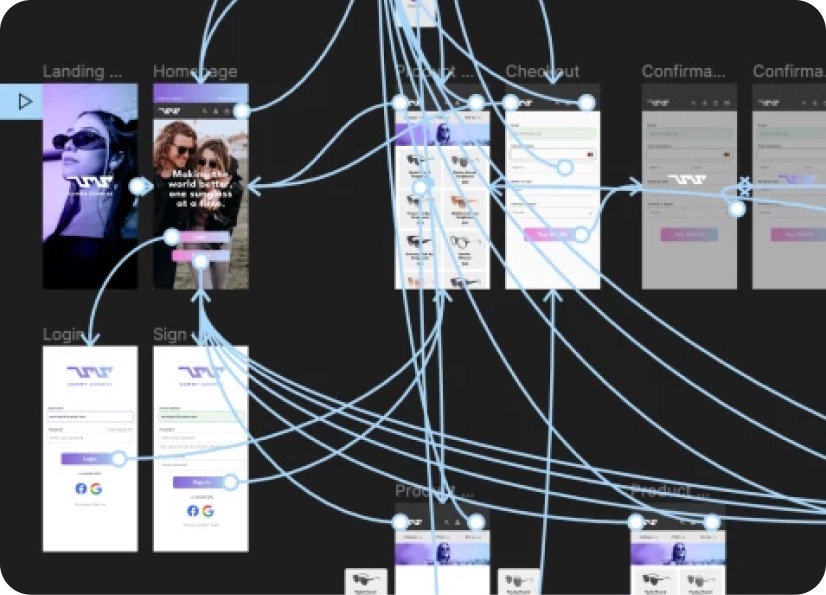
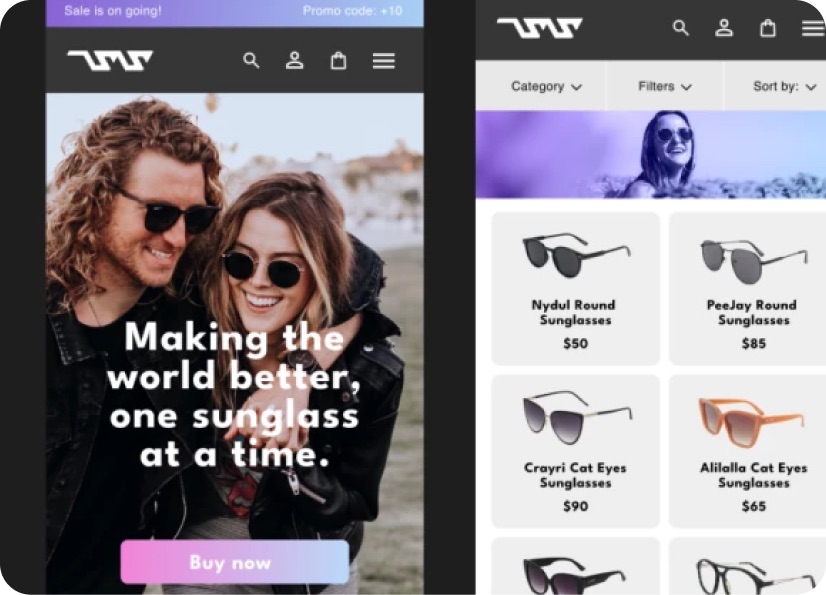
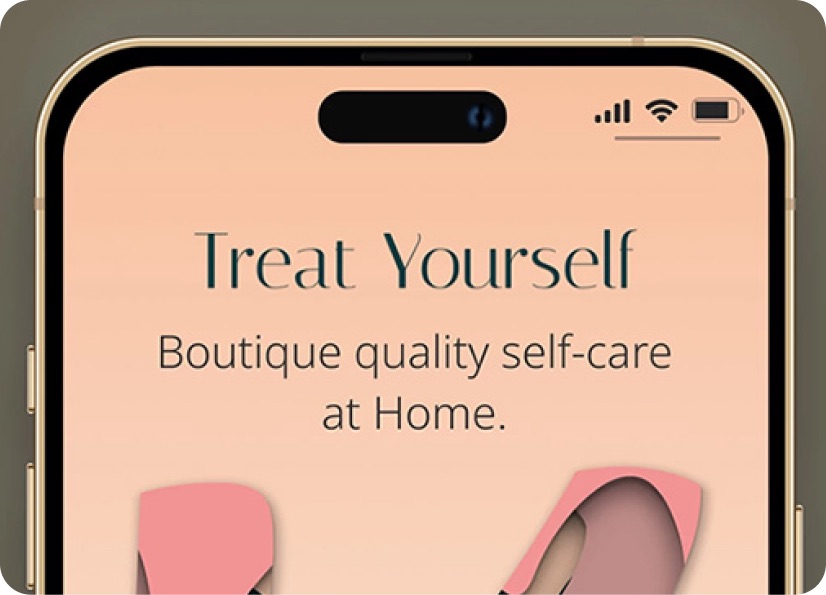
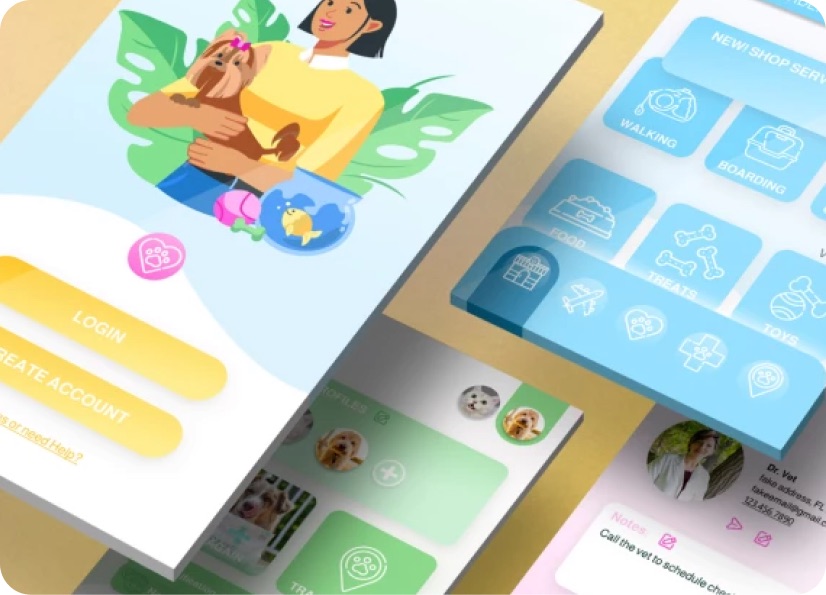
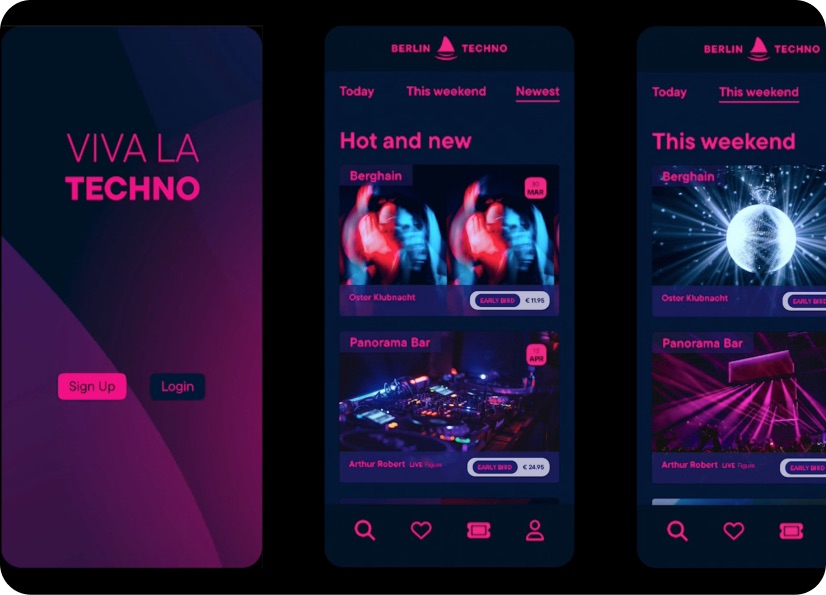
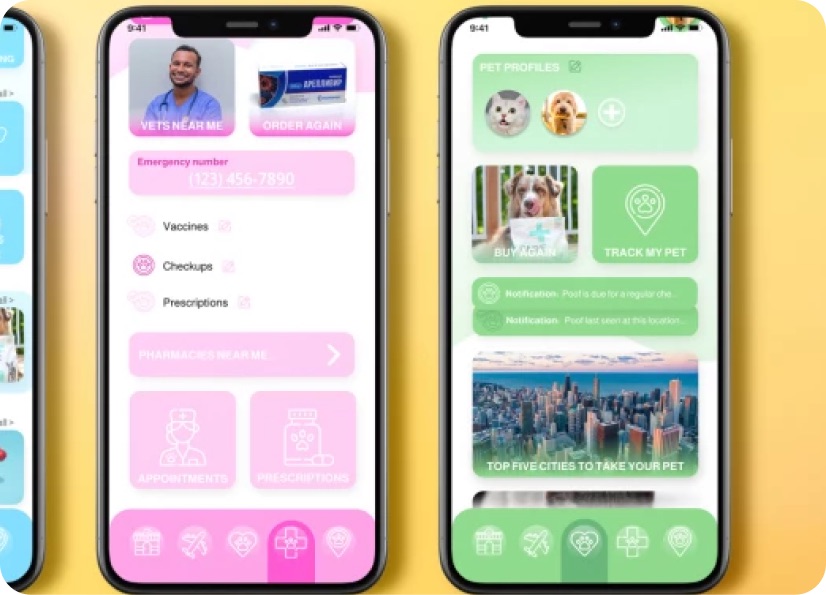
Build real world projects as you learn, create portfolio worthy work, and gain practical experience by doing - not just watching. Share your work with our global creative community, get feedback and support, and learn alongside other students every step of the way.
Meet your instructor
Daniel Walter Scott
Founder of Bring Your Own Laptop & Chief Instructor
Figma | Illustrator | Premiere Pro | Lightroom
I discovered the world of design as an art student when I stumbled upon a lab full of green & blue iMac G3’s. My initial curiosity around using the computer to create ‘art’ developed into a full-blown passion, eventually leading me to become a digital designer and founder of Bring Your Own Laptop.
Sharing and teaching are a huge part of who I am. As a certified Adobe instructor, I've had the honor of winning multiple Adobe teaching awards at their annual MAX conference. I see Bring Your Own Laptop as the supportive community I wished for when I was first starting out and intimidated by design. Through teaching, I hope to bring others along for the ride and empower my students to bring their stories, labors of love, and art into the world.
True to my Kiwi roots, I've lived in many places, and currently, I reside in Ireland with my wife and kids.


Choose your membership plan.
Get unlimited access to every BYOL course and feature. Go monthly for flexibility, or choose yearly and save with our best value option.
Yearly | Best value
- 12 months access for the price of 7
- Save $60.00 vs monthly
- Just $7.00 per month when billed yearly
- Give yourself a full year to level up
- Unlimited access to 35+ design courses
- New course launches and updates
- Take as many courses as you like
- Learn at your own pace
- Class projects & certificates
- Design challenges
- BYOL Expert support
- Private student community
Pay $84.00 today.
Auto-renews annually at $84.00.
Cancel at any time before your renewal.
Monthly | Flexible
- Unlimited access to 35+ design courses
- New course launches and updates
- Take as many courses as you like
- Learn at your own pace
- Class projects & certificates
- Design challenges
- BYOL Expert support
- Private student community
Pay $12.00 today.
Auto-renews monthly at $12.00.
Cancel at any time before your renewal.
Take your design skills to the next level.
Join a private community of designers, with guaranteed feedback and small-group live sessions designed to accelerate your growth.

BYOL+ is for designers who:
- Work solo and want meaningful feedback from peers.
- Are building a freelance business and need guidance.
- Want thoughtful critique to strengthen their portfolio and unlock new opportunities.
"I love the live sessions, the advice has really helped me to move up in my career."
Charlie, BYOL+ student

Includes everything in BYOLCORE, plus:
- 💜 Exclusive BYOL+ Discord community
- ☕️ Live Office Hours with Dan
- ⚡️ Live portfolio review sessions
- 🧠 Live creative community sessions
- 🎬 Live session replay library
- ✏️ BYOL+ exclusive design challenges
- 🔥 Priority BYOL Expert support
- 💬 Priority Class Project feedback
- 📺 Download lessons to watch offline anytime
Pay $199.00 today.
Auto-renews yearly at $199.00.
Cancel at any time before your renewal
Pay $29.00 today.
Auto-renews monthly at $29.00.
Cancel at any time before your renewal
You might also like...
Be the first to hear about new courses and special offers!
